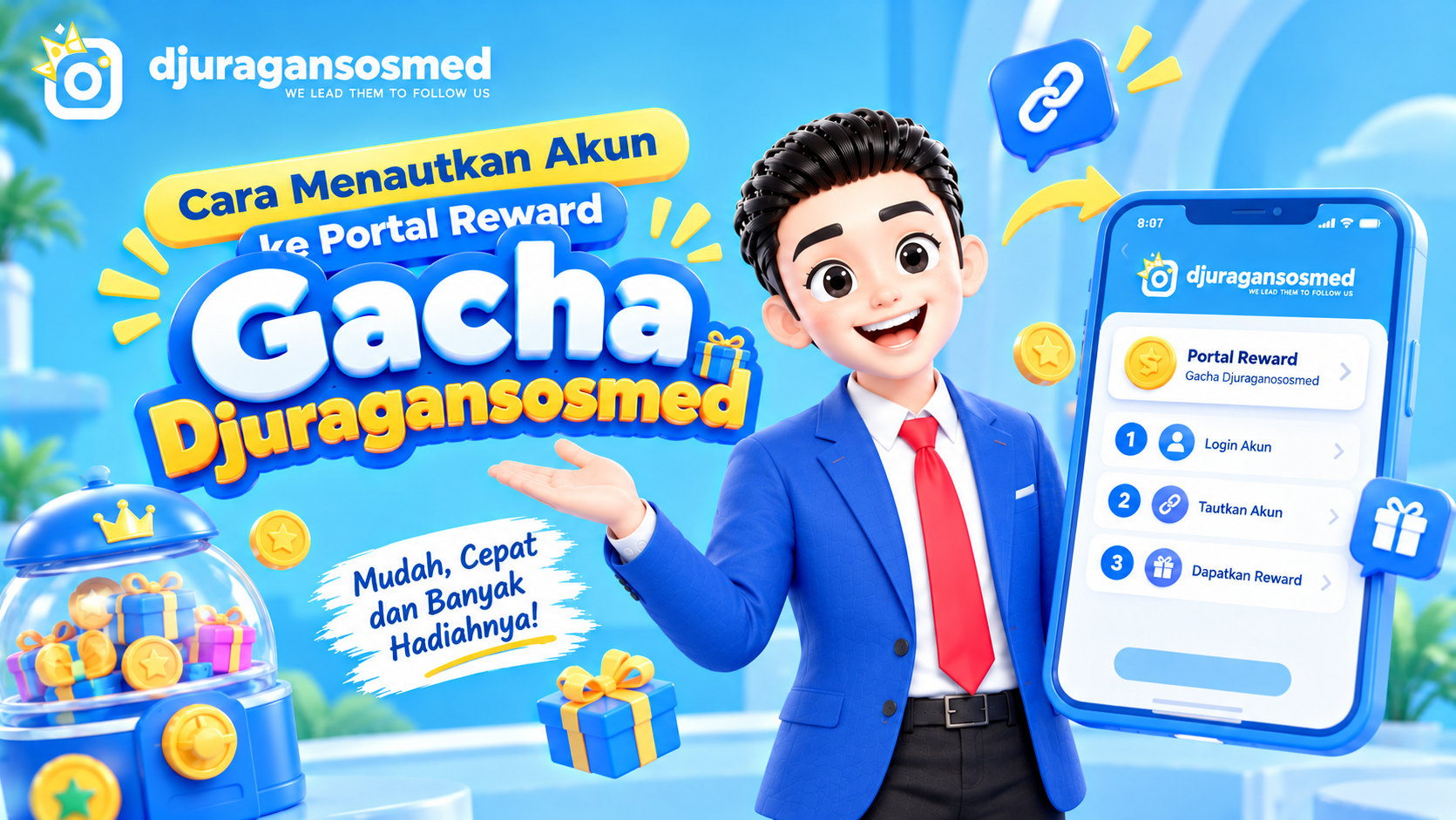
How to Link Your Account to the Djuragansosmed Gacha Reward Portal
How to Link Your Account to the Gacha Reward Portal
Djuragansosmed provides a Gacha reward portal where users can participate in reward programs and get opportunities to receive various prizes. Before using it, your account needs to be linked through a verification process.
The process is simple and can be completed through djuragansosmed.com/gacha.
Steps to Link Your Account to the Gacha Portal
1. Open the Gacha Portal
First, visit djuragansosmed.com/gacha using your browser.
Make sure you use the Djuragansosmed account that you want to link so the verification process matches the correct account.
2. Enter Your Account Information
On the account linking page, enter the information associated with your Djuragansosmed account.
Enter your panel username and the registered email address or WhatsApp number according to the information requested.
Make sure all details are correct so the system can identify your account properly.
3. Check Your Information
Review the username and contact information you entered.
If everything is correct, continue to the account verification process. This step helps confirm that the information belongs to the account being linked.
4. Choose a Verification Method
The system will provide available options for receiving a security code.
Choose the available method, such as email or panel ticket, then continue with the verification process.
If you choose a panel ticket, the security code can be found in the available ticket.
5. Enter the Security Code
Once you receive the code, enter it in the verification field.
Do not share your security code with anyone. Only use it on the official account-linking page.
6. Complete the Linking Process
After the code has been verified successfully, follow the remaining instructions until the linking process is complete.
Once successful, your Djuragansosmed account will be connected to the Gacha reward portal and can be used to participate in available programs.
Why Do You Need to Link Your Account?
Account linking allows the reward portal to recognize the Djuragansosmed account being used. This helps ensure that activities and rewards are associated with the correct account.
The verification process also adds an extra layer of account security because users need to confirm their identity through an available verification method.
Tips for a Smooth Verification Process
Before linking your account, keep these points in mind:
Make sure your panel username is correct.
Use the email address or WhatsApp number registered to your account.
Check the security code before submitting it.
Never share your verification code with anyone.
Make sure you are using the official Djuragansosmed Gacha page.
Conclusion
Linking your account to the Djuragansosmed Gacha reward portal is a simple process. You only need to open the Gacha page, enter your account details, choose a verification method, and complete the security check.
Once your account has been successfully linked, you can use the reward portal according to the Gacha program currently available.
Use Djuragansosmed for Your Social Media Needs
Besides providing a Gacha reward portal, Djuragansosmed also offers various services to support your social media needs. The platform provides different service options that can be managed in one place.
FAQ
What is the link to the Gacha reward portal?
You can access the reward portal through djuragansosmed.com/gacha.
What information is needed to link an account?
You need to provide your panel username and the email address or WhatsApp number registered to your account, according to the information requested by the system.
How can I receive the security code?
The security code can be sent through an available method, such as email or a panel ticket.
Can I share my security code with someone else?
No. The security code is private and should only be used by the account owner during the verification process.
What happens after my account is linked?
After successfully linking your account, you can use the Gacha reward portal to participate in available programs according to the applicable terms.