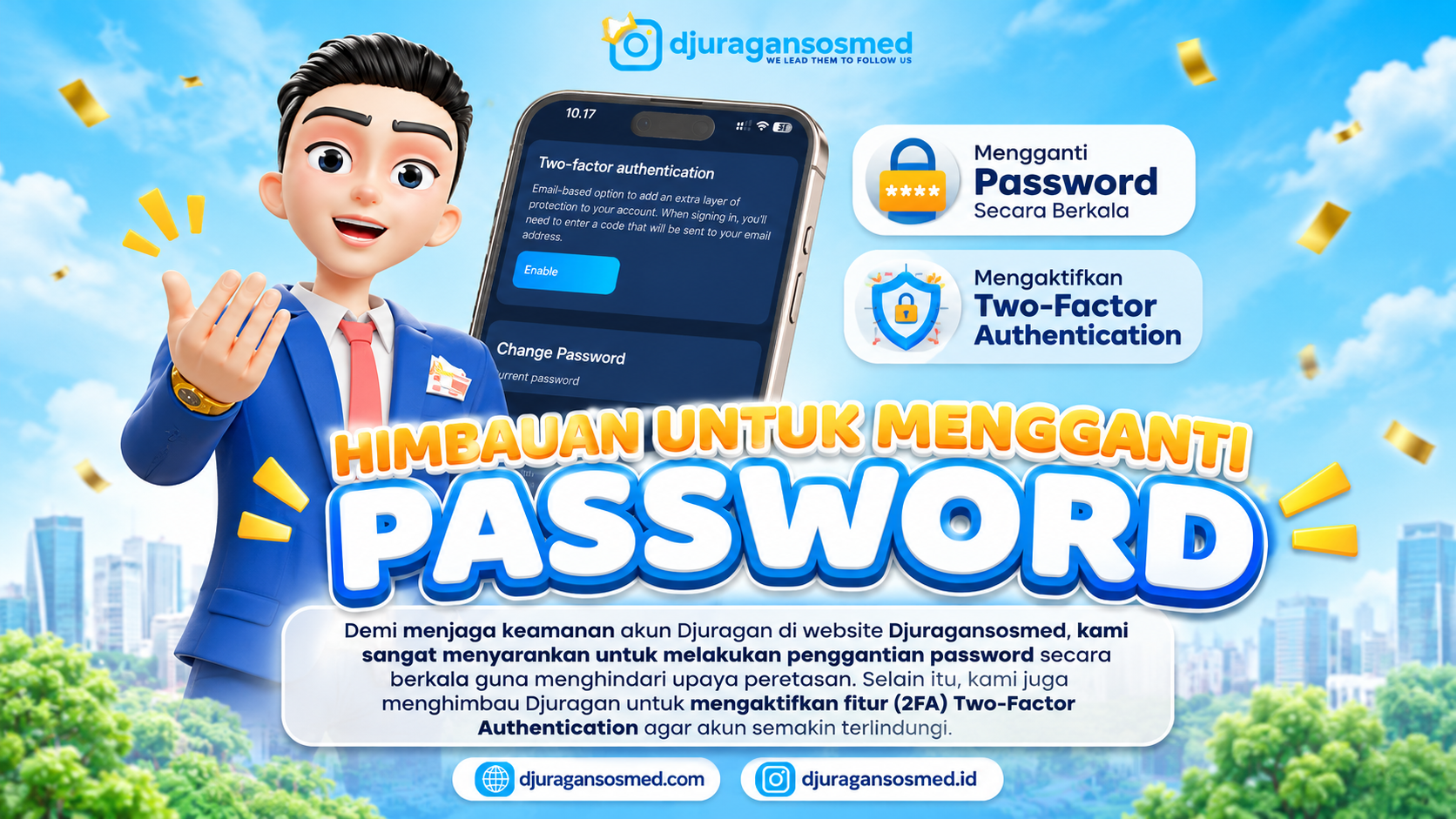
Protect Your Djuragansosmed Account with a Strong Password and 2FA
Account security is an important aspect of using any digital platform. Every Djuragansosmed user is encouraged to protect their login information to prevent unauthorized access.
Two simple steps can help improve account protection: changing your password regularly and enabling Two-Factor Authentication (2FA). These measures add extra security to your account.
Why Is Account Security Important?
Accounts without proper protection may be vulnerable to unauthorized access. Using an easily guessed password or reusing the same password across multiple platforms can increase security risks.
To maintain better digital security, users should:
Create strong and difficult-to-guess passwords.
Change passwords periodically.
Never share login information with others.
Enable additional security features such as 2FA.
How to Change Your Djuragansosmed Password
Changing your password regularly can help keep your account secure. Follow these steps:
Visit the Djuragansosmed website and log in to your account.
Open the Settings menu.
Select Account Security.
Find the password change option.
Enter your current password and create a new one according to the instructions.
Save the changes to complete the process.
Make sure your new password is different from your previous one and is not being used on other accounts.
How to Enable Two-Factor Authentication (2FA)
In addition to using a strong password, Djuragansosmed users are encouraged to enable Two-Factor Authentication (2FA) for an extra layer of protection.
Follow these steps:
Log in to your Djuragansosmed account.
Go to the Settings menu.
Select Account Security.
Find the Two-Factor Authentication (2FA) feature.
Follow the activation instructions displayed on the page.
Complete the verification process as instructed until the feature is successfully enabled.
Once activated, logging in will require additional verification based on the available method. This means your password will not be the only layer protecting your account.
Additional Tips to Keep Your Account Secure
Besides changing your password and enabling 2FA, consider following these security practices:
Avoid using the same password for multiple accounts.
Never share verification codes with anyone.
Always log in through the official Djuragansosmed website.
Avoid suspicious links that request your account information.
Check your account activity whenever this feature is available.
Conclusion
Keeping your Djuragansosmed account secure is every user's responsibility. Changing your password regularly and enabling Two-Factor Authentication (2FA) are two important steps to reduce the risk of unauthorized access.
You can find both security settings through Settings → Account Security. Take a moment to review your account protection so you can enjoy a safer experience on Djuragansosmed.
Djuragansosmed continues to provide various services and features to support your social media needs. Keep your account protected so you can use the platform with greater peace of mind.
FAQ
1. Why should I change my Djuragansosmed password regularly?
Changing your password helps reduce the risk of account misuse, especially if your previous password has been exposed or reused on other platforms.
2. What is the purpose of Two-Factor Authentication (2FA)?
2FA adds another layer of security by requiring a second verification step during login, depending on the available method.
3. Where can I change my Djuragansosmed password?
Go to Settings, then select Account Security to find the password change option.
4. How can I enable 2FA?
Go to Settings → Account Security, select Two-Factor Authentication, and follow the activation instructions.
5. Is 2FA necessary if I already have a strong password?
Yes. Strong passwords and 2FA work together to provide better account protection.